Songbook
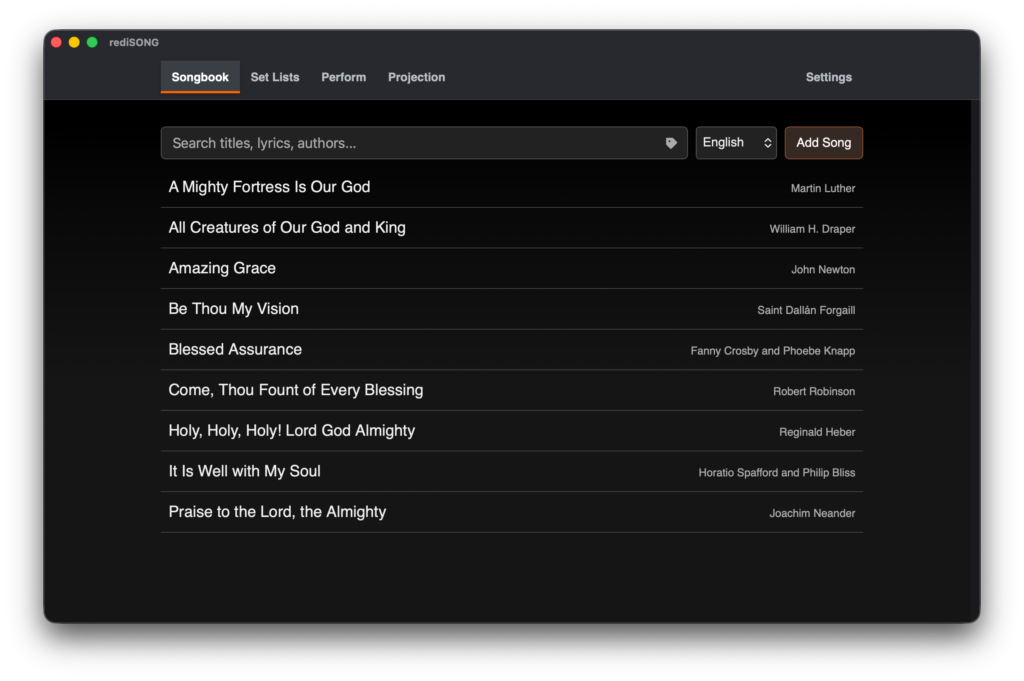
- Searchable, multilingual song library
- Lyrics, chords, romaji and song details
- Japanese kana and Korean phonetic filters
- Tags, keys, tempo and transposition
- Import songs from PowerPoint and PDF charts
- Link translations and alternate-language versions
- Build songs into service set lists
- Backup and restore your Songbook
Set Lists
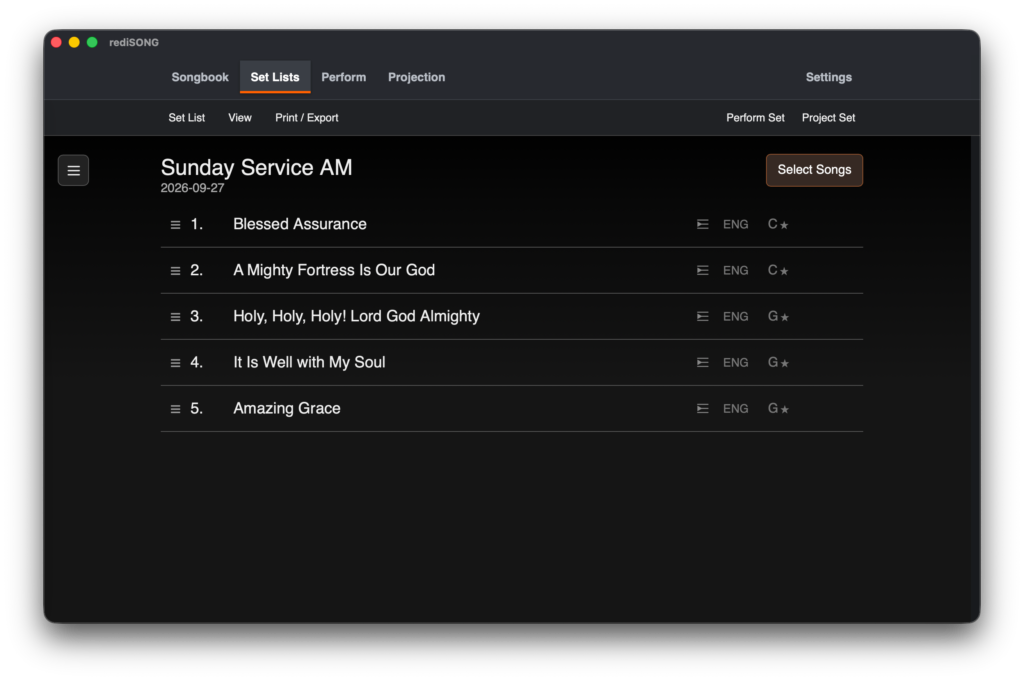
- Create and organise service set lists
- Add, remove and reorder songs with drag and drop
- Build a custom song order by section
- Link multilingual songs for bilingual services
- Set individual song keys and transpose as needed
- Preview songs while selecting them
- Start performance or projection from the selected song
- Save and reuse set lists for future services
Perform Mode
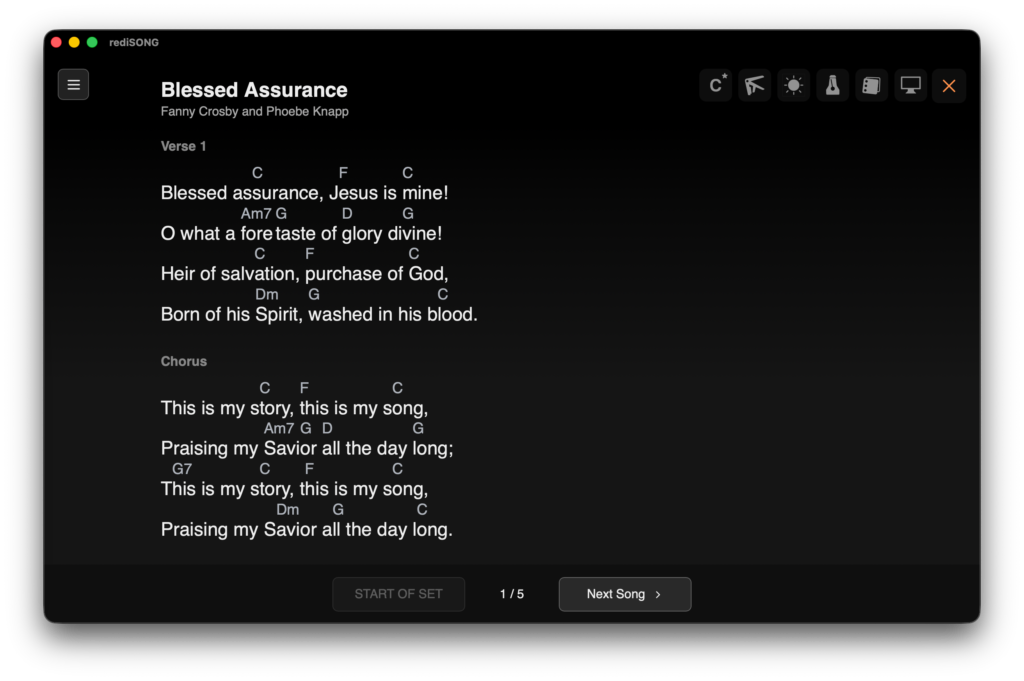
- Clean, distraction-free performance view
- Adjustable lyrics for easy reading
- Show or hide chords and romaji (for Japanese)
- Scroll smoothly through songs
- Move between songs with on-screen controls or foot pedals
- Keep your preferred text size as the default
- Follow the set list in service order
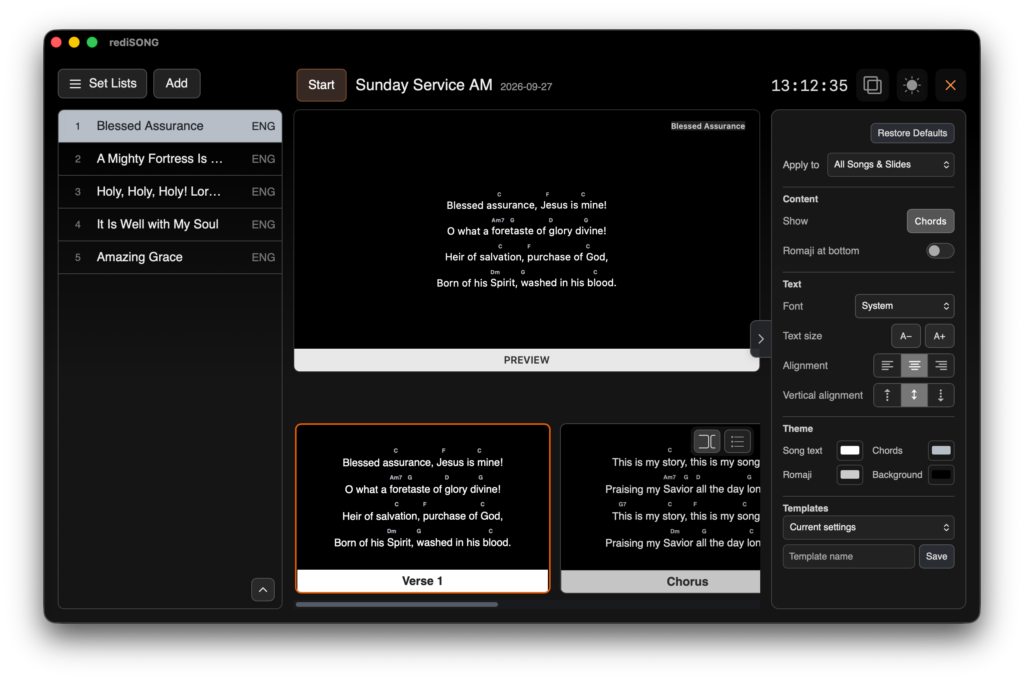
Projection Mode
- Project lyrics, chords and romaji to an audience display
- Control projection from a dedicated controller
- Start from any selected song or slide
- Customise text, chord and background colours
- Choose layouts, alignment and text size
- Save and reuse projection templates
- Add free-text slides
- Preview every slide before projecting